Advanced Searching
Objective: Find that needle in the haystack
Now you’ve learned about tagging assets with metadata, take searching and finding your assets to the next level with advanced searching.
 Advanced Find
For power searches, you can string together multiple search criteria(up to 10) using any term associated with the asset file.
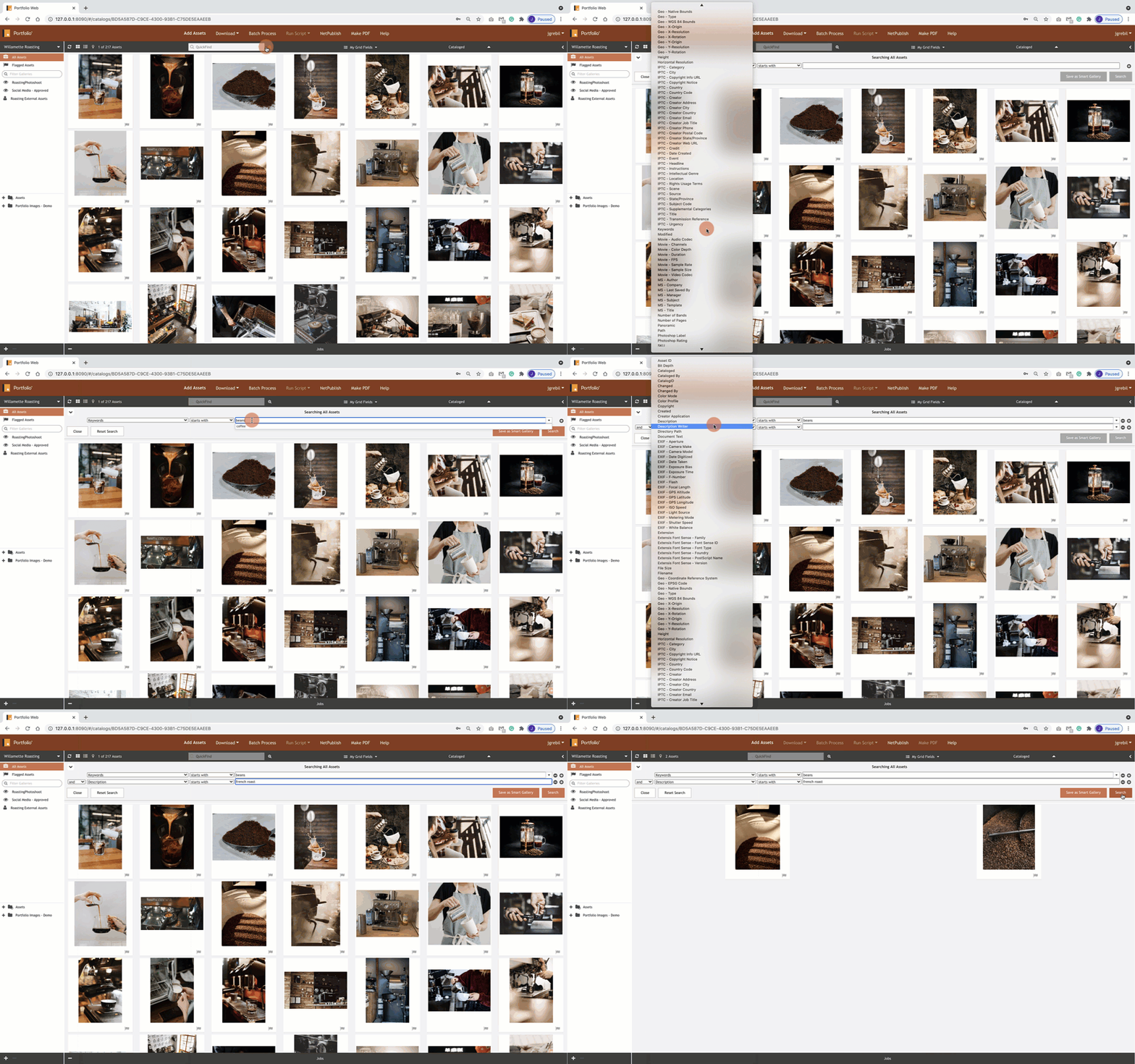
- Click on the magnifying glass icon to the right of the QuickFind search field.
- Enter your search criteria and select search.
 Search by Keywords
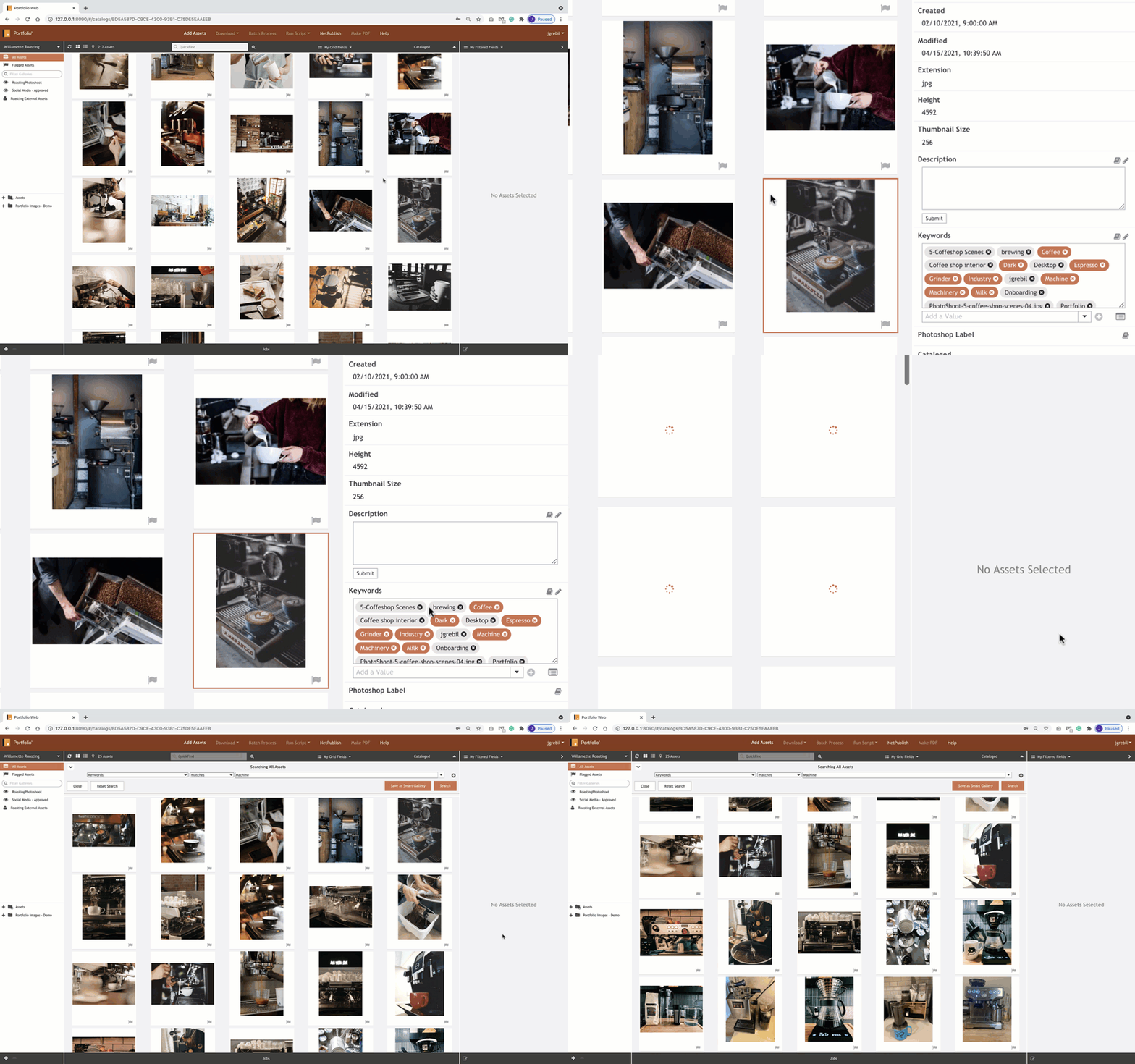
Not part of Quickfind or Advanced Find, but when viewing metadata for properties of an asset within the Field Panel, you can click on a keyword and the preview window will display assets that contain the keyword.